Professional made-to-measure digital sewing patterns — PDF · PLT · DXF AAMA
A women's straight blouse with short cut-on sleeves, a stand collar fastened at the back with two buttons and rouleau loops, and a box pleat down the centre front. Drafted to your own measurements. Recommended fabric: blouse fabrics made from natural or blended fibres.
A women's straight blouse with short cut-on sleeves, a stand collar fastened at the back with two buttons and rouleau loops, and a box pleat down the centre front.
Silhouette: Straight and loose, with bust darts on the front.
Length: Hip length.
Collar: Interfaced stand collar, open at the centre back, with two bias rouleau loops sewn into one end and two buttons on the other.
Sleeves: Short sleeves cut in one with the front and back; sleeve edges turned up 1.5 cm and topstitched.
Front: Front cut on the fold with a centre box pleat: the front is folded and stitched along the marked line, then the pleat depth is spread evenly to both sides and pressed.
Back: Centre back seam with a slit at the neck, reinforced with topstitching 0.2 cm from the edge.
Finishing: Hem allowance 2 cm, turned up and topstitched.
Beginner. Three pattern pieces; the box pleat, the rouleau loops and the stand collar need careful marking and pressing.
Blouse fabrics made from natural or blended fibres.
If the patterns have a double contour, they include seam allowances. If the contour is single, the patterns do not include seam allowances. Seam allowances: all seams 1 cm. Hem allowance for the bottom edge of the garment – 2 cm, sleeve – 1.5 cm. Attention! First, print out the paper patterns and lay them out on the fabric width (fabric width can be from 90 cm to 150 cm) to determine how much material you will need (do not forget to account for paired and symmetrical pieces). When stitching pieces, pay attention to the notches - they must match!

#2706
Fitted V-Neck Ruffled Blouse

#2708
Split Three-Quarter Sleeve Blouse
#2705
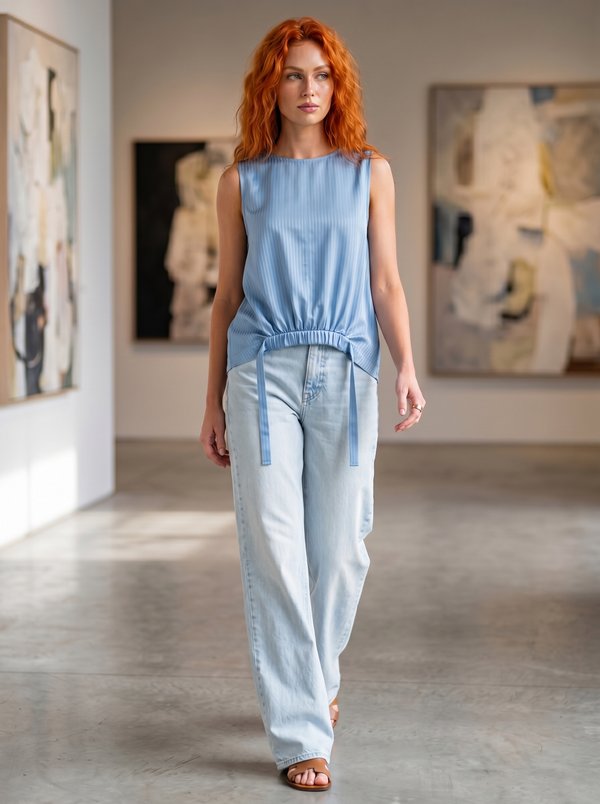
Blouson with Decorative Front Panel

#2709
Short Sleeve Henley Top with Lace Panel

#2704
Stand Collar V-neck Cold Shoulder Blouse

#2711
Scalloped V-Neck Short Sleeve Blouse

#2702
V-Neck Back V Flutter Blouse

#2712
Sleeveless V-Neck Top with Tiered Shoulder Ruffles

Minerva Support
Online